Seedance 2.0 Mini AI Video Generator
Turn text prompts and reference images into fast, affordable HD videos. Create short MP4 clips for ads, product demos, social posts, launches, and creative tests.
Two prompts. One viral-grade clip.
Pre-built workflows inspired by Seedance templates. Pick a template, reuse the long prompt, and start from a stronger video idea.
AI Travel Vlog
Generate a 3x3 Instagram-style reference grid, then turn it into a 15-second cinematic vlog video.
AI Rain Dance
Generate a romantic couple moment, then render a 15-second rainy night dance video.
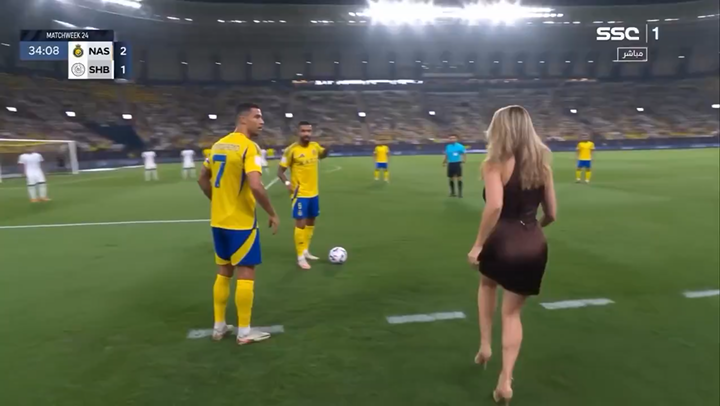
AI Stadium Broadcast
Generate a hyper-realistic fan broadcast still, then bring it to life as a stadium crowd clip.
AI GRWM Routine
Generate a 32-panel Get-Ready-With-Me storyboard, then render a 15-second outfit routine.
Seedance 2.0 Mini Video Examples
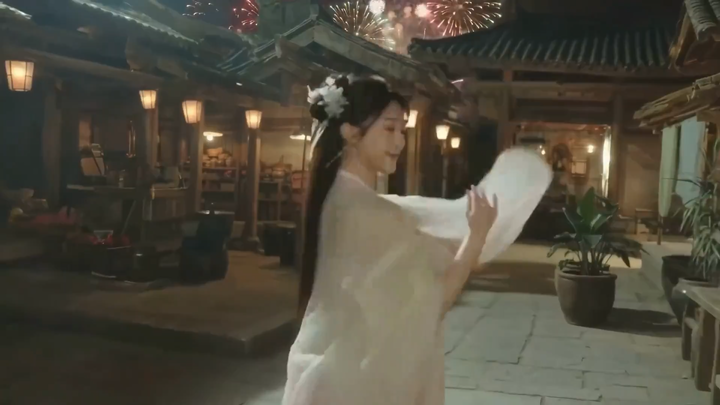
Explore short AI video examples built from text prompts and reference images, then create your own MP4 clip.
What Seedance 2.0 Mini Does Best
Fast short-form video generation for teams that need more creative tests without a heavy production budget.
Text to Video
Write a prompt and generate a short cinematic clip with clear subject, motion, camera direction, and style.
Image to Video
Upload a reference image and animate product shots, characters, posters, or scenes while preserving the visual anchor.
Low-Cost HD Generation
Test more ideas before spending production budget, with 720p and 1080p options where supported.
Credits Visible Up Front
See duration, resolution, and credit cost before generation so every creative test stays controlled.
Everything for Seedance 2.0 Mini Workflows
A focused workspace for prompt-to-video, image-to-video, prompt templates, credits, history, and MP4 exports.
AI Video Generator
Text or image to video
Create fast Seedance 2.0 Mini clips from text prompts or reference images for ads, social posts, product demos, launches, and creative tests.
- Text-to-video and image-to-video workflows
- Format-ready ratios for web and social
- Downloadable MP4 clips with visible credit cost
AI Image Generator
Text or image to image
Generate supporting visuals for thumbnails, prompt references, ad concepts, storyboards, and product creative.
- Text-to-image support
- Image variation workflow
- Multiple image resolutions
Seedance 2.0 Mini comparison
A practical comparison for buyers choosing between Seedance 2.0 Mini, full AI video workflows, and other AI video generators.
| Feature | 👑Seedance 2.0 Mini | Full AI Video Workflow | Kling | Runway |
|---|---|---|---|---|
| Text-to-video | Short prompt-to-video workflow | Available | Available | Available |
| Image-to-video | Reference image workflow | Available | Available | Available |
| Cost positioning | Lower-cost Mini workflow | Higher full-model cost | Varies by plan | Varies by plan |
| Best fit | Ads, product clips, social hooks | Advanced model workflows | Cinematic I2V | Creative studio workflows |
| Clip format | MP4 short clips | MP4 clips | MP4 clips | MP4 clips |
| Credit visibility | Shown before generation | Depends on platform | Depends on platform | Depends on platform |
This is a high-level marketing comparison. Exact model capabilities, pricing, and availability may change.
Seedance 2.0 Mini Use Cases
Built for short videos you can test, publish, and reuse across real campaigns.
Launch Teasers
Turn a product idea or still image into a cinematic release-day hook.
Ad Hook Testing
Generate multiple openings, compare concepts, and keep the best-performing angle.
Product Walkthroughs
Show a product, feature, or workflow as a short motion sequence people remember.
Social Media Clips
Draft vertical clips, UGC-flavored stories, and short posts without scheduling a shoot.
How Seedance 2.0 Mini Works
Move from prompt or image to share-ready MP4 in three steps.
Describe the Shot
Write the subject, action, camera movement, lighting, and style, or upload a reference image.
Choose the Format
Select aspect ratio, duration, and resolution, then confirm the credit cost before generation.
Export the Clip
Preview the result, save it to history, and download an MP4 for publishing or editing.
Creators are switching to Mini
Teams use Seedance 2.0 Mini to test more ads, product demos, and social clips in less time.
“We can test three product teaser directions before the weekly meeting instead of waiting for another shoot.”
“Reference image mode helps my B-roll stay on brand without paying for generic stock clips.”
“The clips make our explainers feel more visual while still fitting a lean production workflow.”
“We A/B test openings cheaply, then spend production budget only on the winners.”
“I upload one product photo, describe the seasonal scene, and get a clip I can post the same day.”
“Prompt templates help each visualizer feel like part of the same campaign world.”
Seedance 2.0 Mini FAQs
SEO-ready answers about Seedance 2.0 Mini generation, credits, formats, and use cases.
Start Creating with Seedance 2.0 Mini
Write a prompt, upload a reference image, choose your format, and generate a share-ready MP4 clip in minutes.